
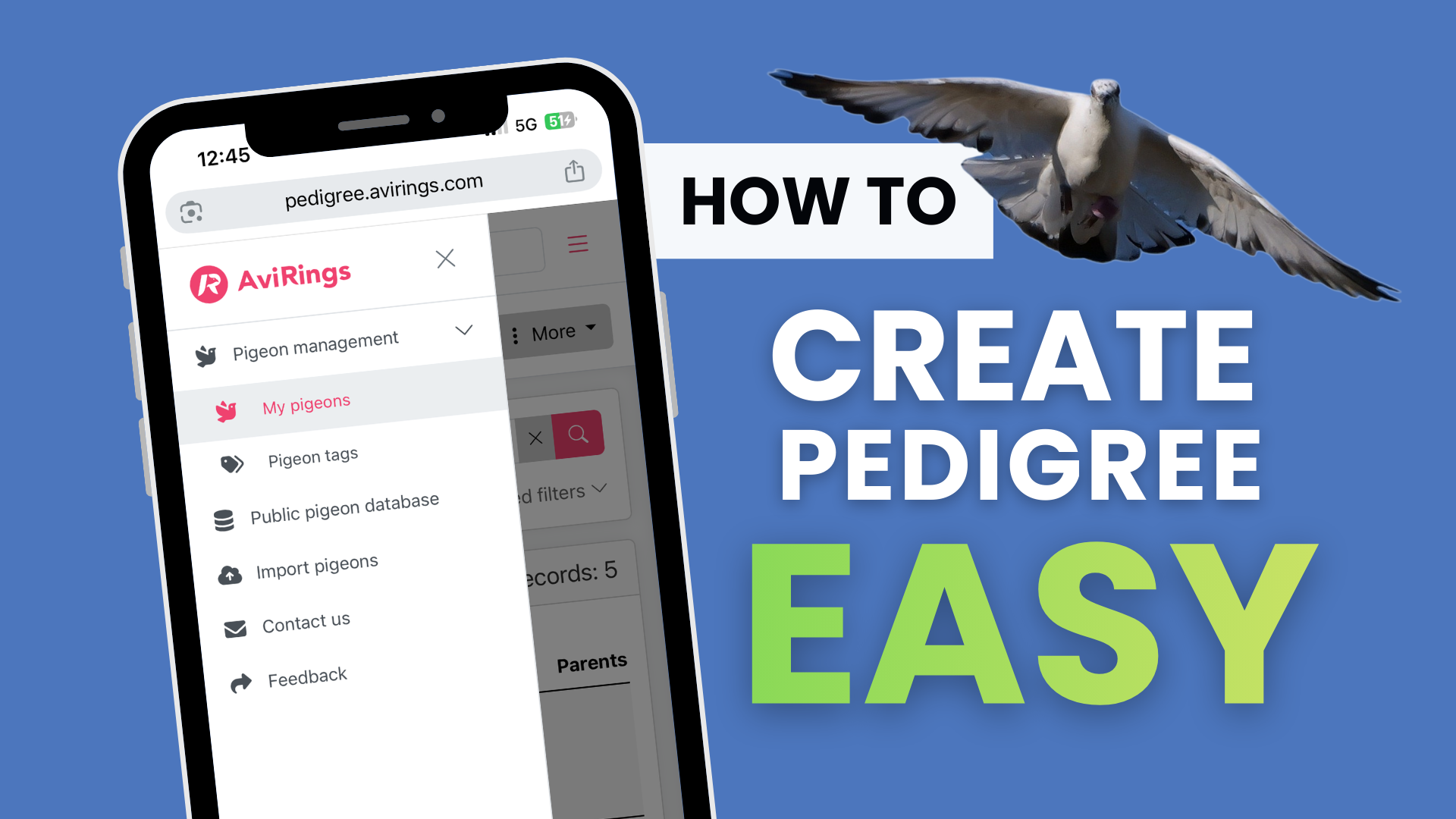
How to use the AviRings Pedigree Editor?
Once you have successfully added a pigeon in the app, you can start creating its pedigree.
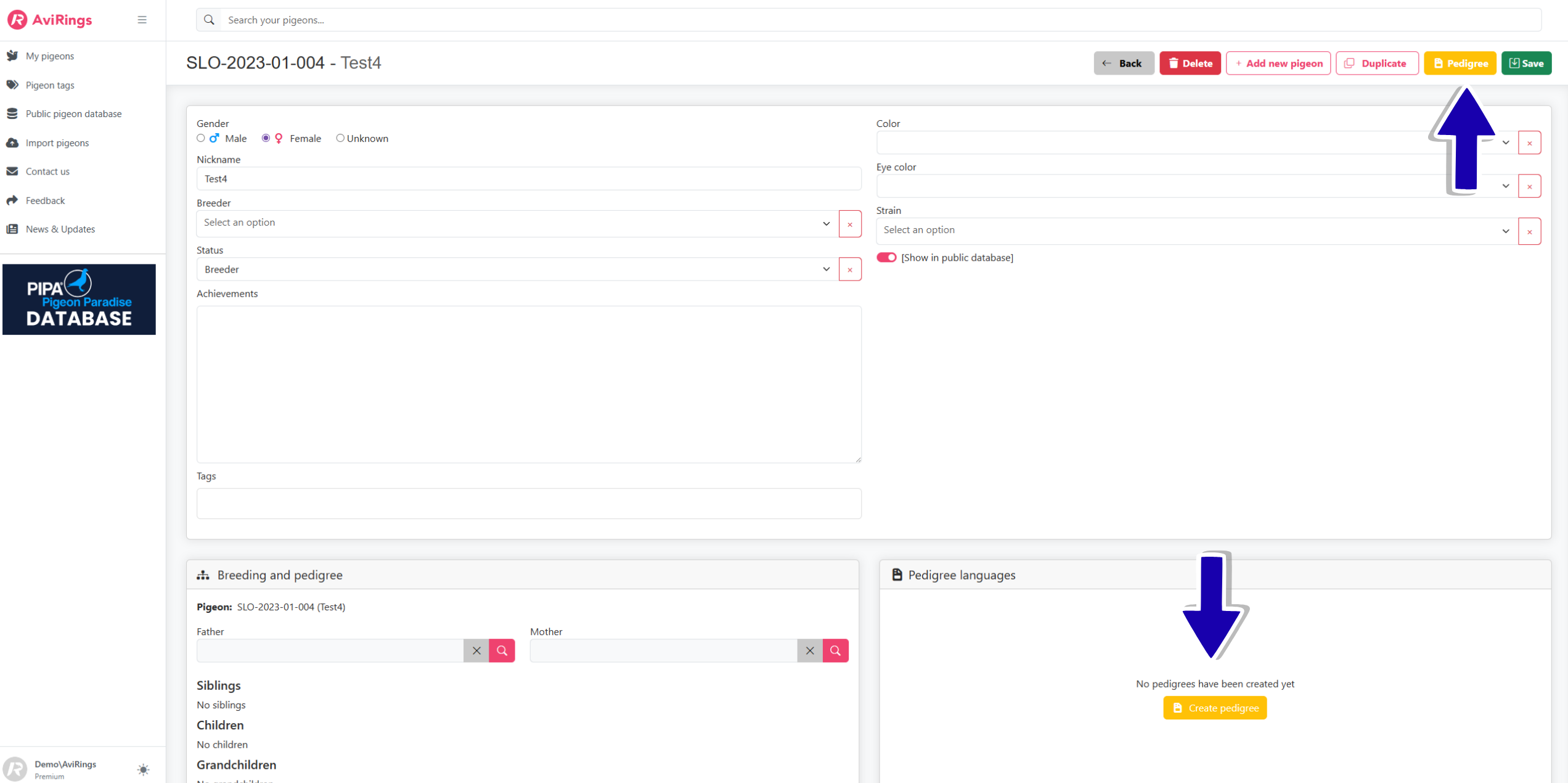
To create a pedigree, click on the yellow button in the upper or lower right corner.
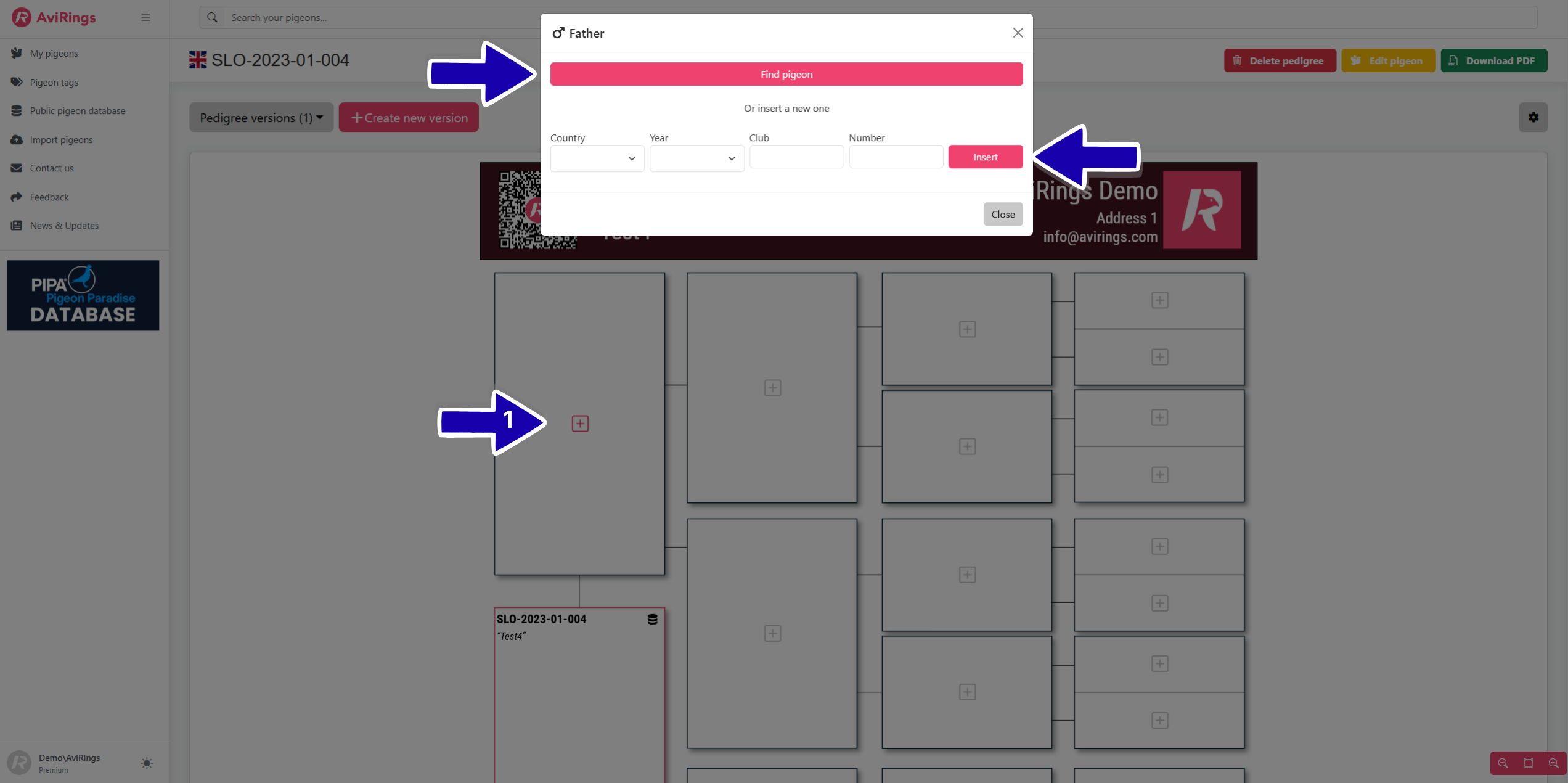
You can choose a template, after which you can begin entering the data. When building the tree structure, you always have the option to first search for the pigeon in the public database (if someone has already entered it) by clicking the “Find pigeon” button, or you can add it yourself by selecting “insert a new one".
You can edit the pedigree directly in the editor, fill in the information about the pigeons, upload your own photo or logo at the top of the pedigree, change the colors as you wish, and more.
Once you are satisfied with the pedigree, you can download it as a document by clicking the “Download PDF” button – and your pedigree is complete!
For a specific bird, you can create multiple versions of pedigrees, which the user can customize according to their needs (with more or less text, 3, 4, or 5 generations, different layouts, and different languages).
All pedigrees are stored in your “Pedigree Library”, where they are always available for further editing, sharing, printing, and saving to your device.