
Pedigree App Introduces New Features: AI Translations & Text Optimization
This time, we’re excited to present two new tools in the AviRings Pedigree App that will make your work easier and help your pedigrees look even more professional.
What are the two new features?
AI Text Optimization Tool
Would you like your pigeon’s achievements to be clean, well-structured, and professionally formatted? Try AI Text Optimization!
To get you started, we have already built in AI instructions within the system to structure and organize the text (e.g., consistent formatting of all listed races, correct spelling, improved readability, etc.).
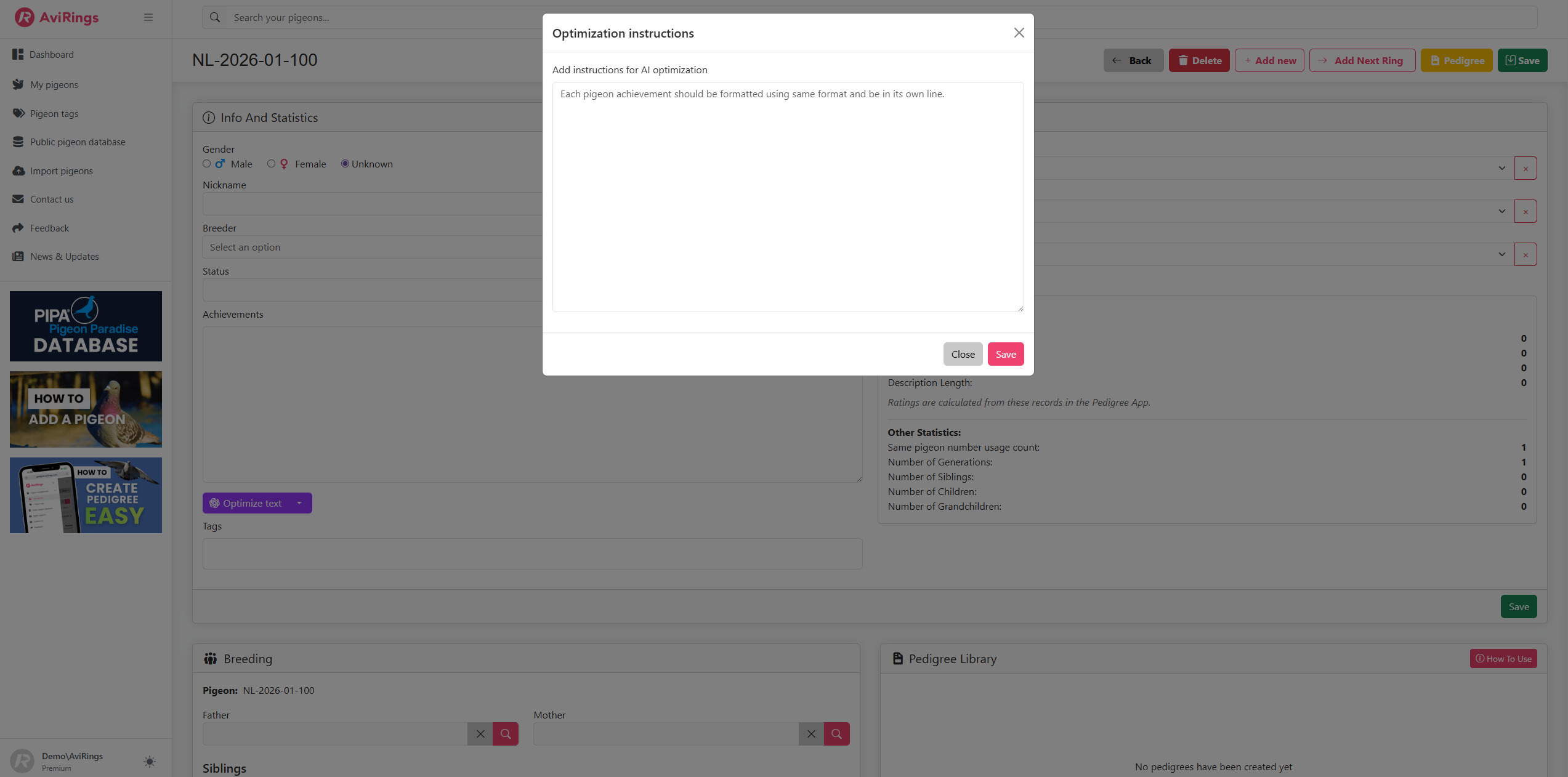
You also have the option to add your own custom instructions in the designated field, specifying how you would like the achievement text optimized for a particular pigeon.
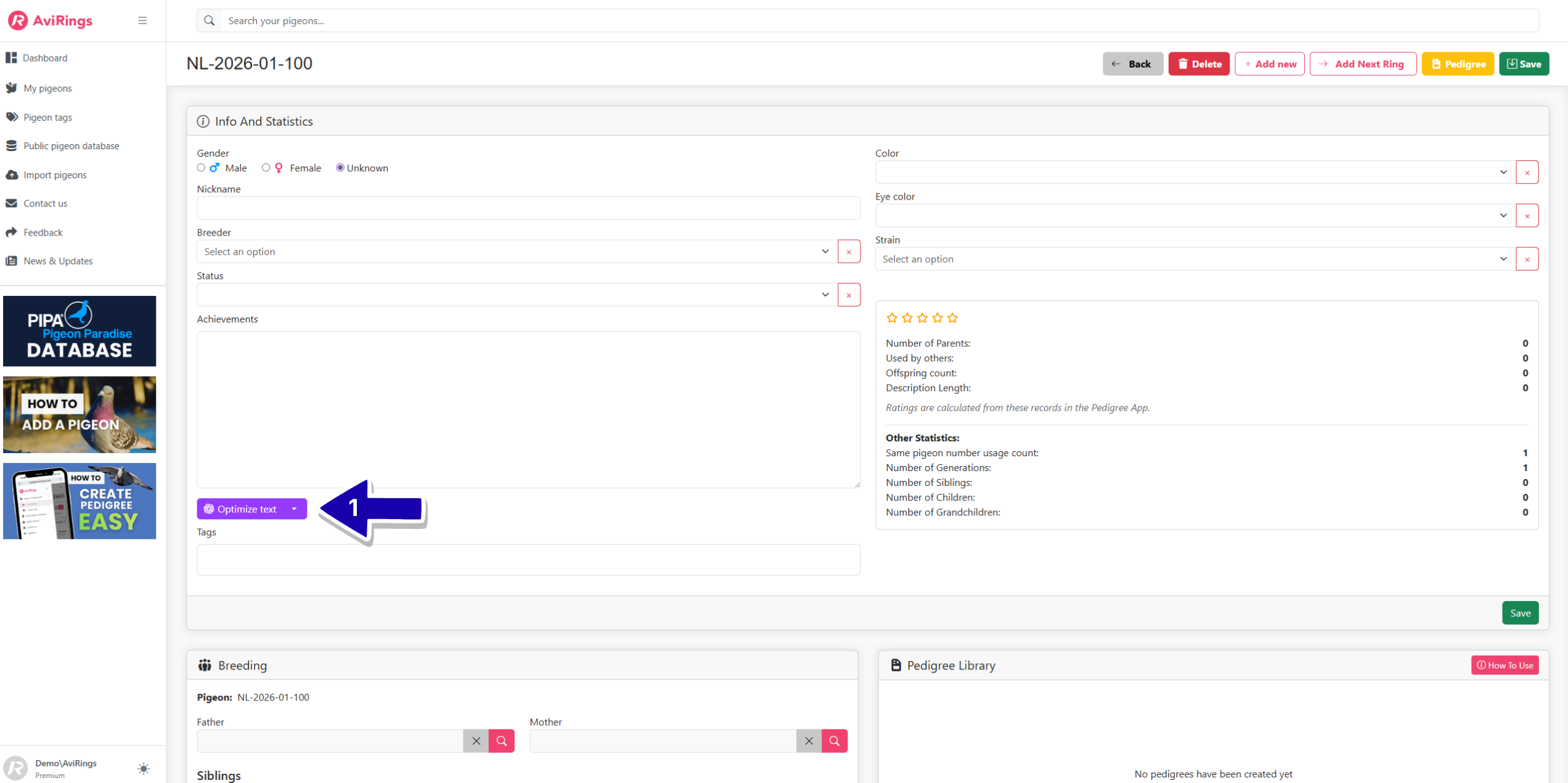
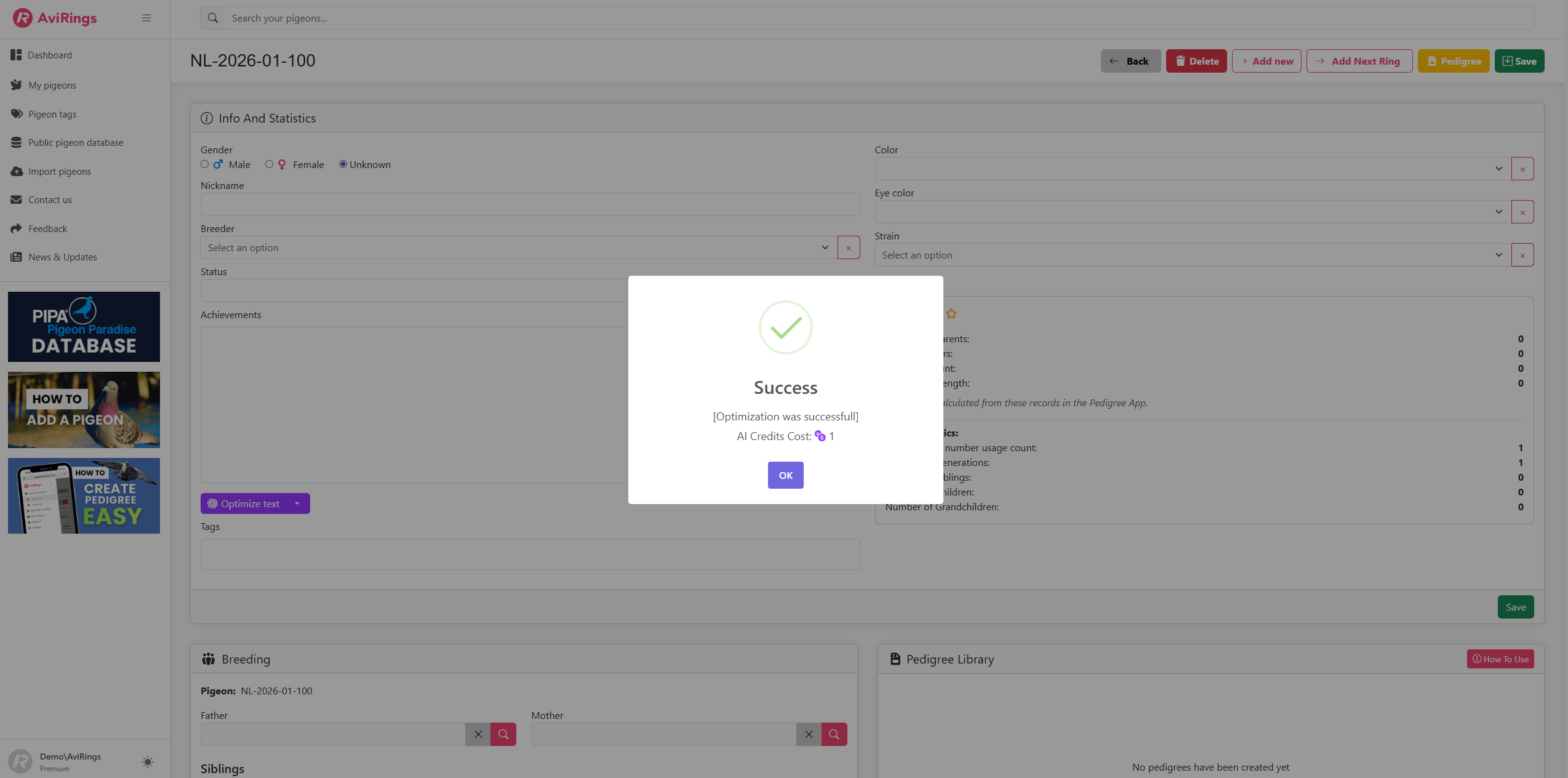
To use this tool, you need to enter the pigeon’s results first. If you want to include additional instructions, click the arrow next to the button (this step is optional).
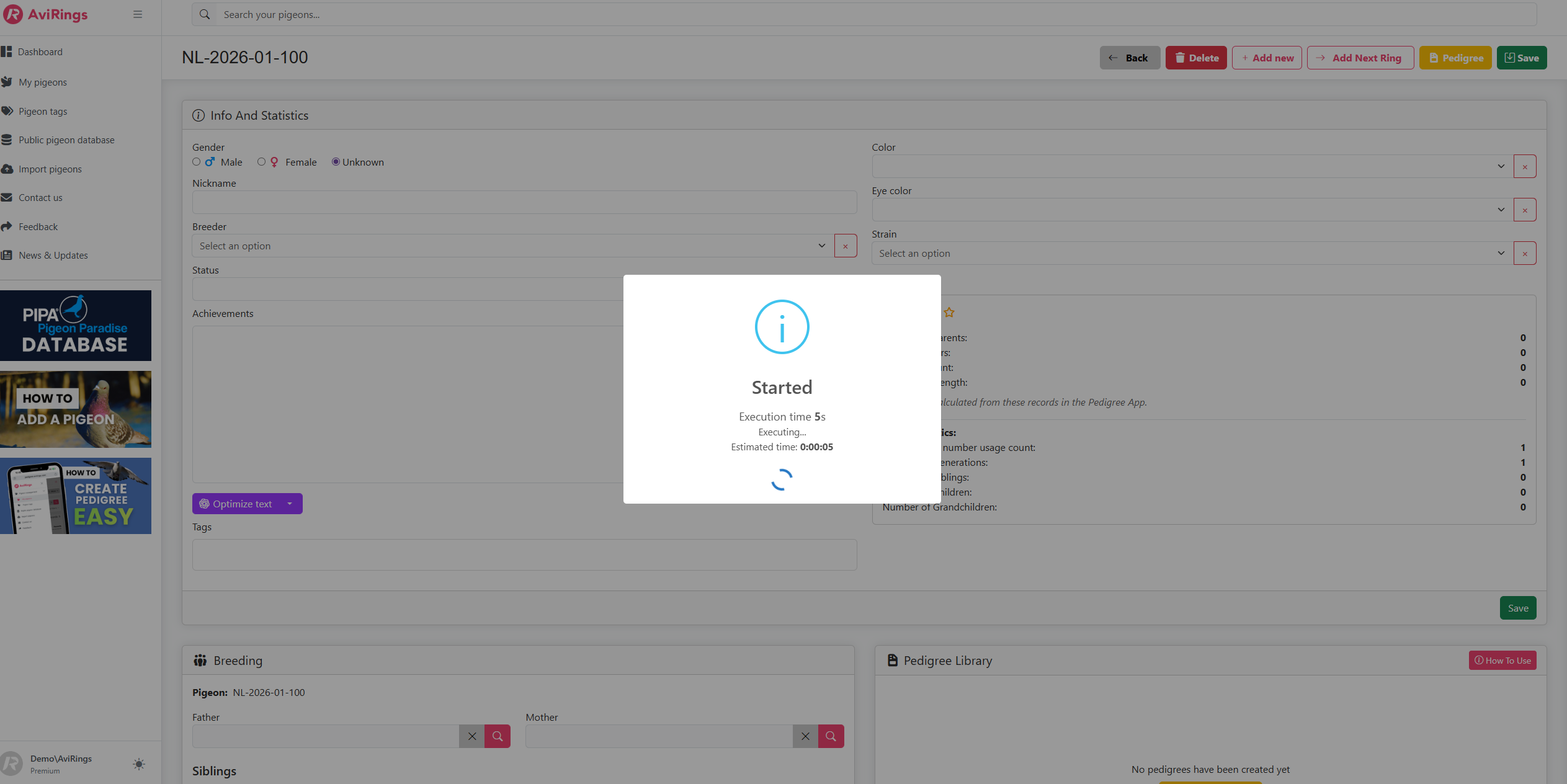
Then click the “Optimize Text” button and wait for the process to complete. (See screenshots below to see the process.)
AI Pedigree Translation Tool
Would you like your pedigrees translated into a foreign language? It’s never been easier.
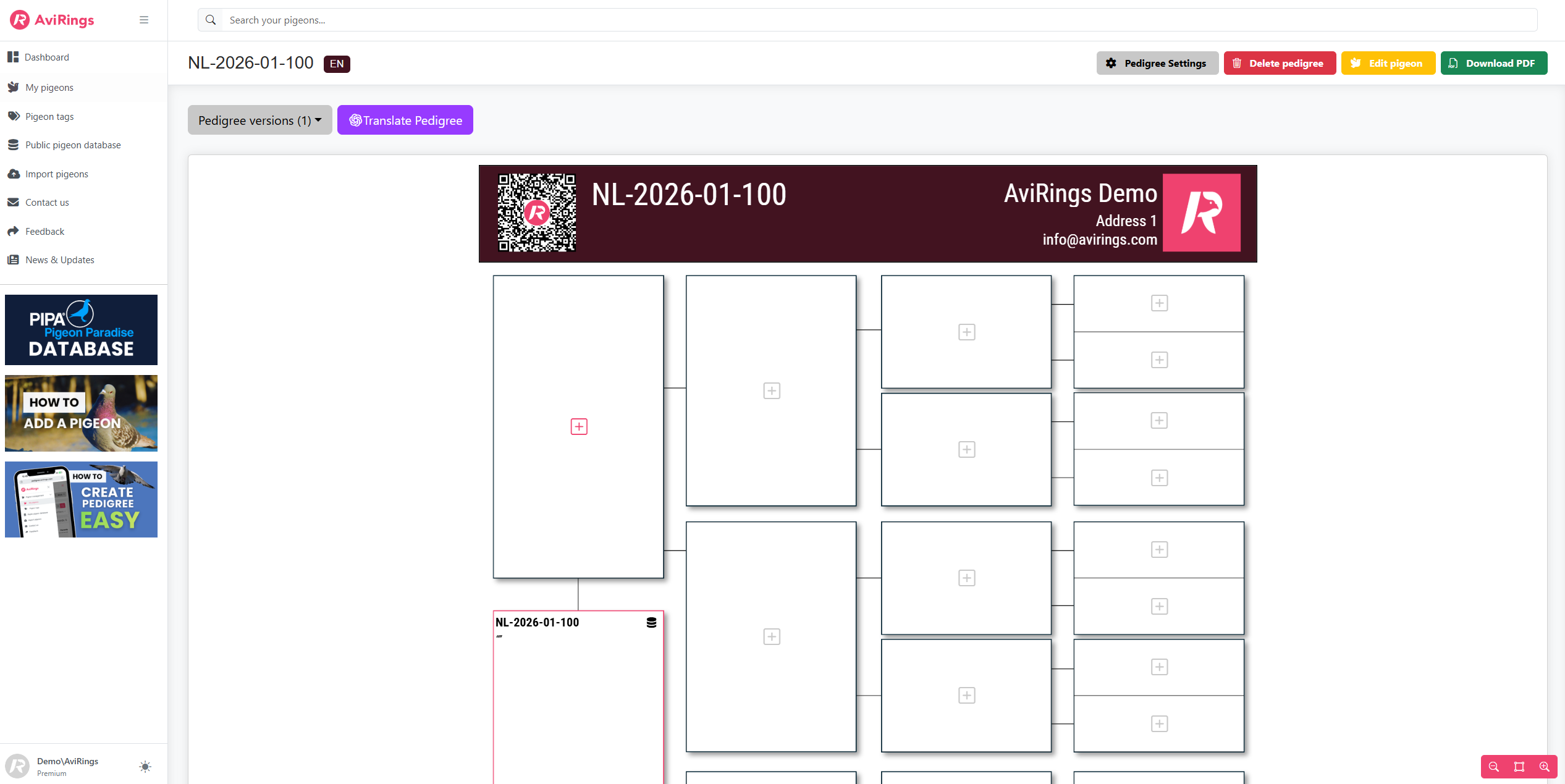
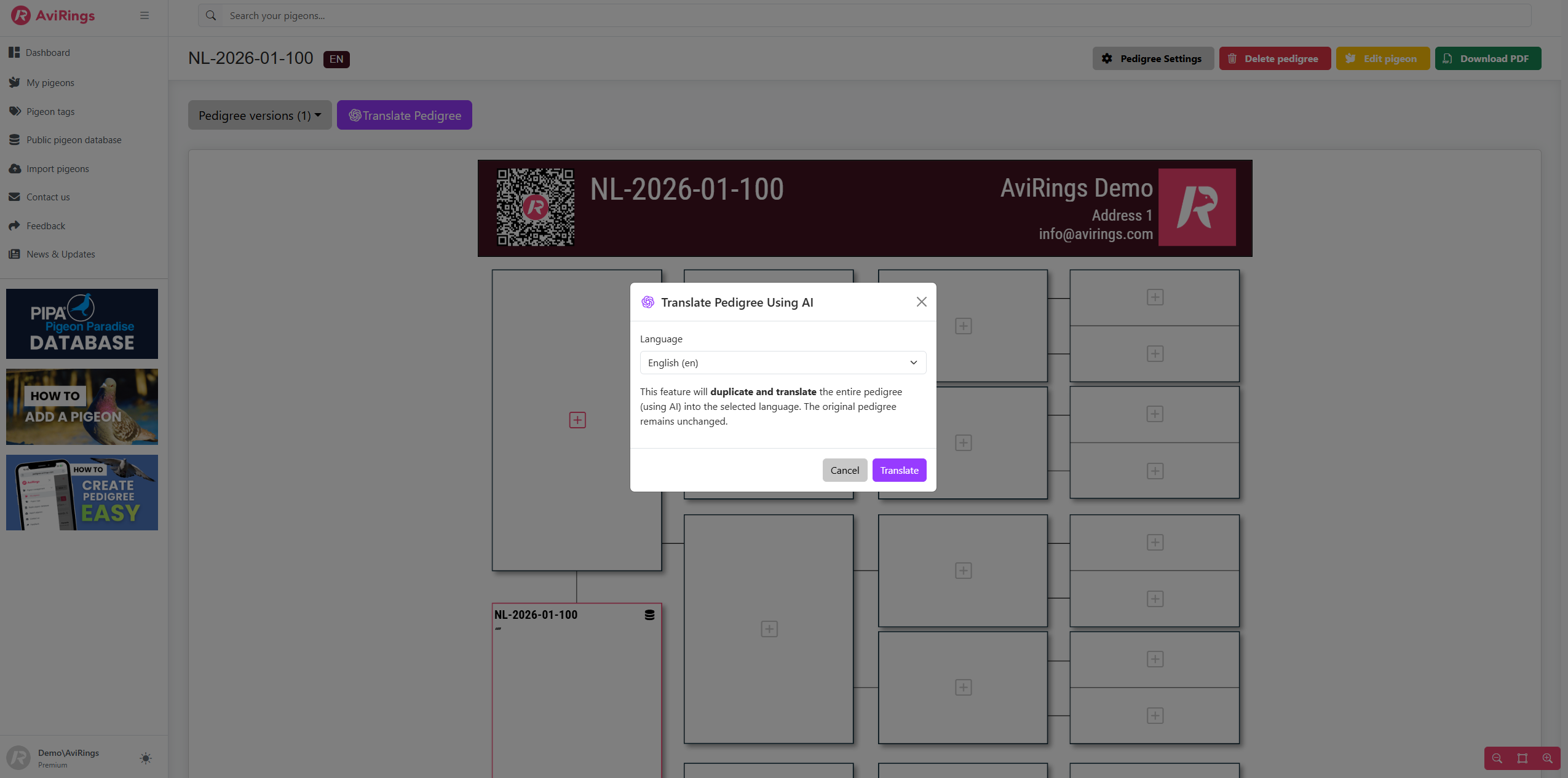
You can now click the "Translate" button directly in the Pedigree Editor, and the system will create a copy of the pedigree translated into your desired language.
The original pedigree will remain unchanged. You can always find all versions/translations of a pedigree in the “Pedigree Library” section for each pigeon.
How to Get AI Credits?
AI features are available to Premium subscribers and One-Time Payment users.
When you purchase or renew a Premium subscription, you automatically receive 100 included AI credits, which can be used for all AI-powered tools within the app.
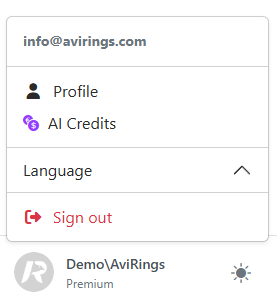
If you need more credits during the year, you can purchase additional credits at any time within the app (you can find the AI Credits page in the bottom-right corner after clicking on your profile picture).
My AI Credits – Where Can I Check My Balance?
You can always view your credit balance on the dashboard (also new!) or by clicking your profile picture and opening the AI Credits page.
On this page, you can:
• Purchase additional AI credits
• Track your credit usage
• See which pigeon the credits were used for
• View the number of credits spent
How do you like those new features? Give us feedback in our feedback section (you can find it in the bottom right corner). ☺️